
Wireshark is widely used by cybersecurity professionals and SOC analysts for real-time network monitoring
Introduction: Seeing the Invisible in Cybersecurity
In cybersecurity, what you don’t see can hurt you the most.
Every second, thousands of data packets move across networks — carrying login credentials, emails, API requests, and sensitive business information. But most users and even developers never actually see this traffic.
That’s where Wireshark comes in.
Wireshark is not just a tool — it’s like a microscope for network communication. It allows cybersecurity professionals, ethical hackers, and network engineers to inspect data at the packet level and understand exactly what is happening inside a network.
👉 If hacking is about exploiting systems, Wireshark is about understanding them.
What Exactly is Wireshark?
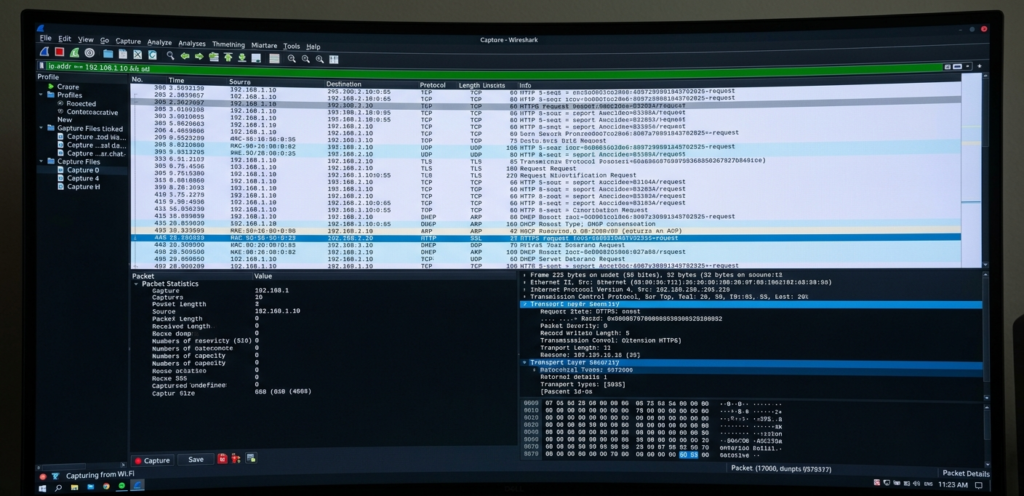
Wireshark is an open-source network protocol analyzer used to capture and analyze network traffic in real time.
It was developed by Gerald Combs and is widely used in cybersecurity and networking.
👉 In simple terms:
Wireshark lets you see all the data packets flowing through a network.
Each packet contains:
• Source and destination IP
• Protocol information (HTTP, TCP, DNS)
• Actual transmitted data
This makes it extremely powerful for both defensive and offensive analysis.
Why Wireshark is Important in Cybersecurity
Most people think cybersecurity is only about firewalls and antivirus.
But many attacks happen silently inside network traffic.
Wireshark helps detect:
• Suspicious communication
• Malware activity
• Data leaks
• Unauthorized access
👉 Think of it like CCTV for your network.
How Wireshark Works?
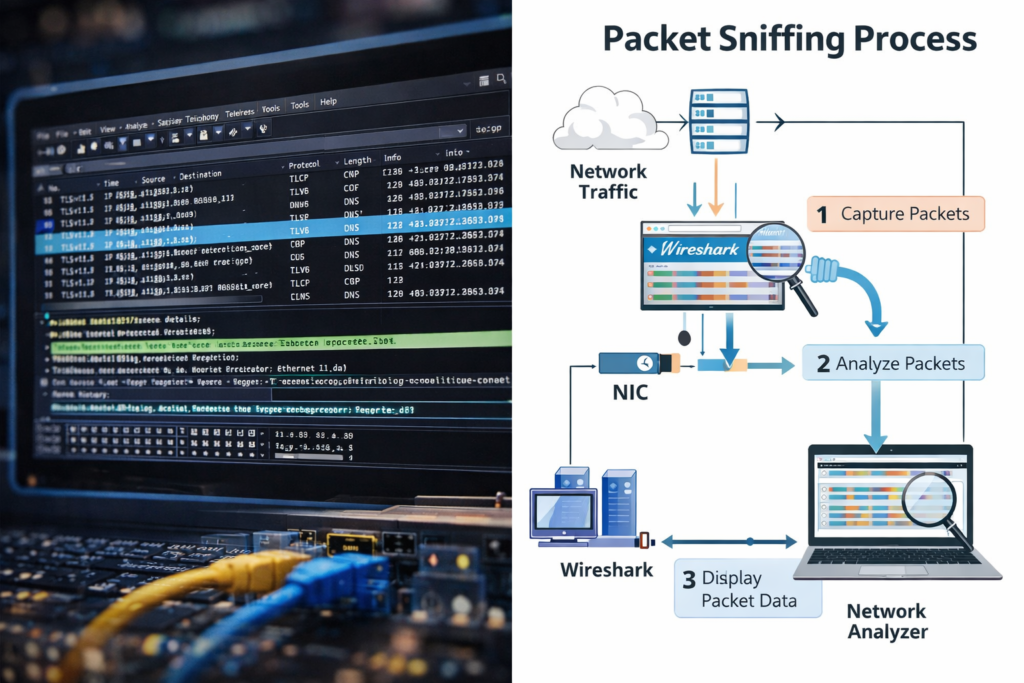
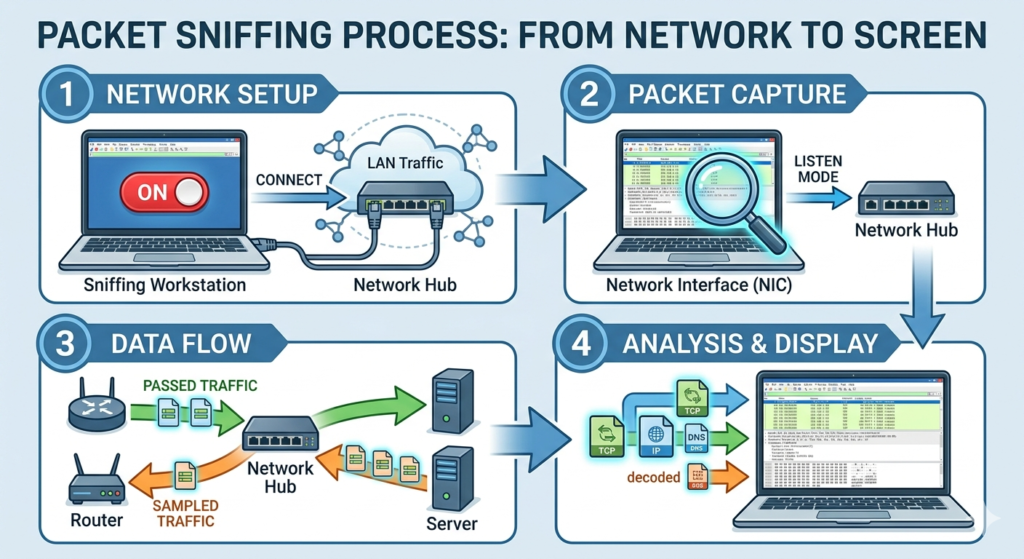
Wireshark uses a concept called packet sniffing.
Step-by-step:
- Captures packets from network interface
- Records raw data
- Decodes protocols
- Displays readable output
It uses tools like libpcap or Npcap to capture traffic.
How to Install Wireshark
Wireshark Installation on Windows
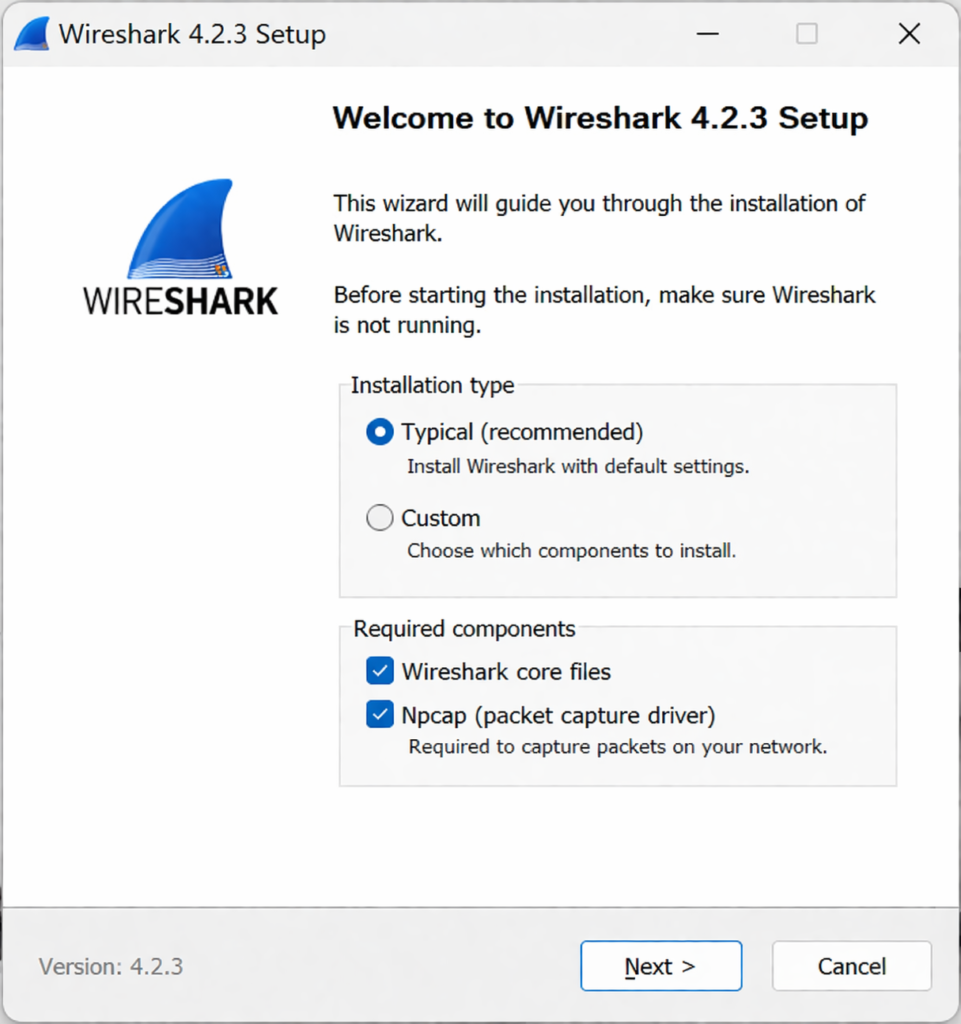
Follow these steps to install Wireshark on Windows:
- Download Wireshark from the official website
- Run the installer (.exe file)
- During installation, make sure to install Npcap (important for packet capture)
- Complete the setup and launch Wireshark
👉 After installation, you can start capturing packets immediately.
Where Wireshark is Used?
- 🔍 Network Troubleshooting
Identify slow connections, packet loss, and network errors efficiently. - 🔐 Cybersecurity Analysis
Detect suspicious activities and investigate potential security threats. - 🎯 Ethical Hacking
Analyze vulnerabilities and capture insecure network traffic. - 🧠 Learning Networking
Understand how network protocols work in real-world scenarios.
How Attackers Use Wireshark ?
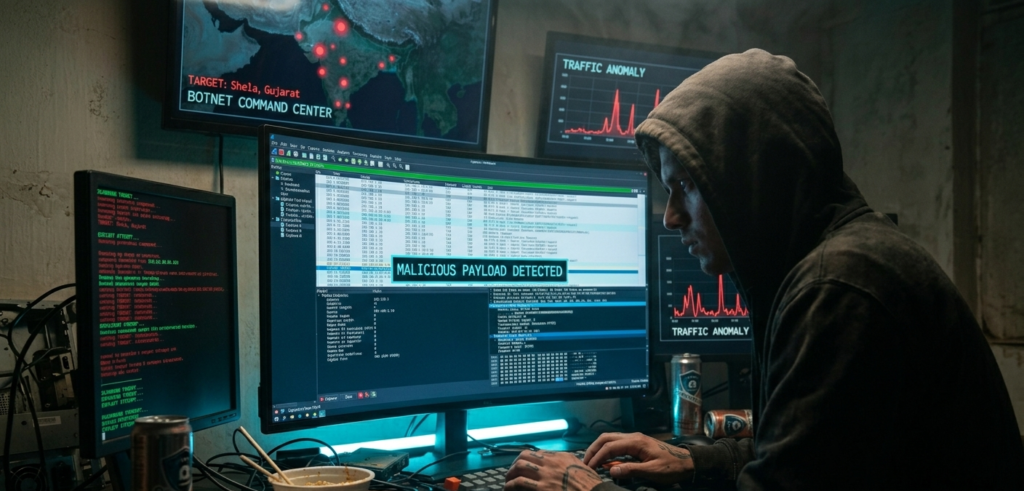
Wireshark is a legal tool but attackers can misuse it.
In public Wi-Fi networks:
• Attackers capture unencrypted traffic
• Extract usernames and passwords
• Monitor user activity
👉 Example:
- User logs into HTTP website
- Attacker captures packet
- Credentials are visible
👉 This is why HTTPS is critical.
Wireshark vs Other Cybersecurity Tools
Tool | Purpose |
Packet analysis | |
Network scanning | |
Web testing | |
Exploitation |
👉 Wireshark focuses on visibility, not attacks.
Limitations of Wireshark
Despite being powerful, it has limitations:
- Cannot decrypt HTTPS easily
- Requires technical knowledge
- Large data can be overwhelming
- Cannot prevent attacks
👉 It is an analysis tool, not a protection tool.
When you open a website:
- DNS request is sent
- Server returns IP
- TCP handshake occurs
- HTTP request is made
- Server responds
Wireshark shows all these steps clearly.
Best Practices for Using Wireshark
To use Wireshark effectively:
- Use filters properly
- Capture only required traffic
- Analyze suspicious patterns
- Combine with other tools
Look for:
- Unknown IP connections
- Repeated requests
- Strange DNS queries
Legal and Ethical Considerations
Wireshark is legal when used on authorized networks.
But capturing traffic without permission can be illegal.
👉 Always follow ethical hacking guidelines.
Why Wireshark is Important in 2026
With increasing cyber threats:
• Advanced malware uses hidden traffic
• Attackers disguise packets
• AI-based attacks are growing
Wireshark remains important because:
👉 It gives deep visibility into network activity.
Final Thoughts (Cybersecurity Perspective)
Wireshark is not just a tool — it’s a learning platform.
It helps you:
• Understand networks
• Detect attacks
• Analyze real traffic
👉 In cybersecurity, visibility = security.
Most attacks happen not because systems are weak but because no one is monitoring the network.
Wireshark helps you start monitoring.
FAQs
It is a tool to capture and analyze network traffic.
Yes, if used with permission
Yes, if traffic is not encrypted.
It requires practice but is beginner-friendly.