
Introduction: Why Network Scanning Matters
In cybersecurity, understanding your network is the first step toward securing it.
Before an attacker exploits a system, they first gather information — identifying open ports, running services, and potential entry points. This process is called network scanning.
That’s where Nmap comes in.
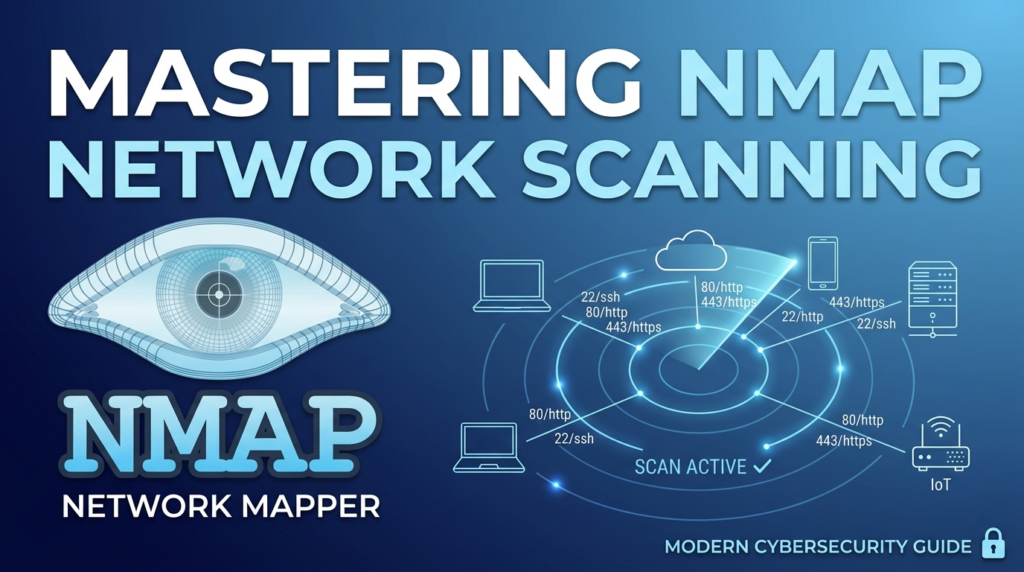
Nmap (Network Mapper) is one of the most powerful and widely used tools for discovering devices and services on a network.
👉 If Wireshark helps you see traffic, Nmap helps you map the network.
What is Nmap?
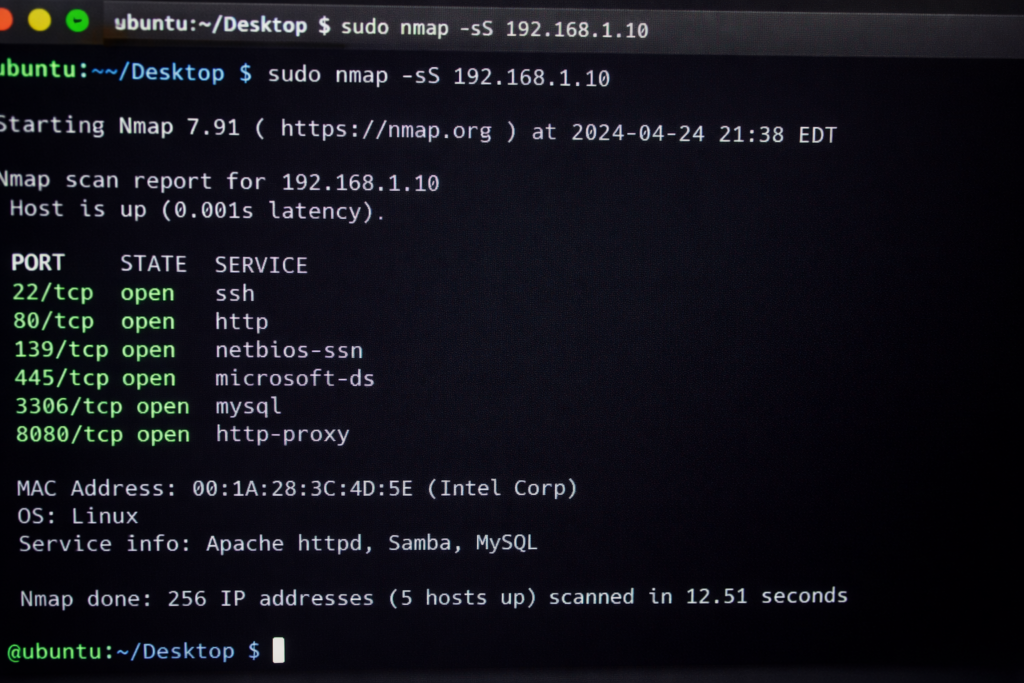
Nmap is an open-source network scanning tool used to discover hosts and services on a network.
It was created by Gordon Lyon (Fyodor) and is widely used in cybersecurity, ethical hacking, and network administration.
👉 In simple terms:
Nmap helps you identify:
- Active devices on a network
- Open ports
- Running services
- Operating systems
This makes it essential for both security testing and network management.
How to Install Nmap (Windows & Linux)
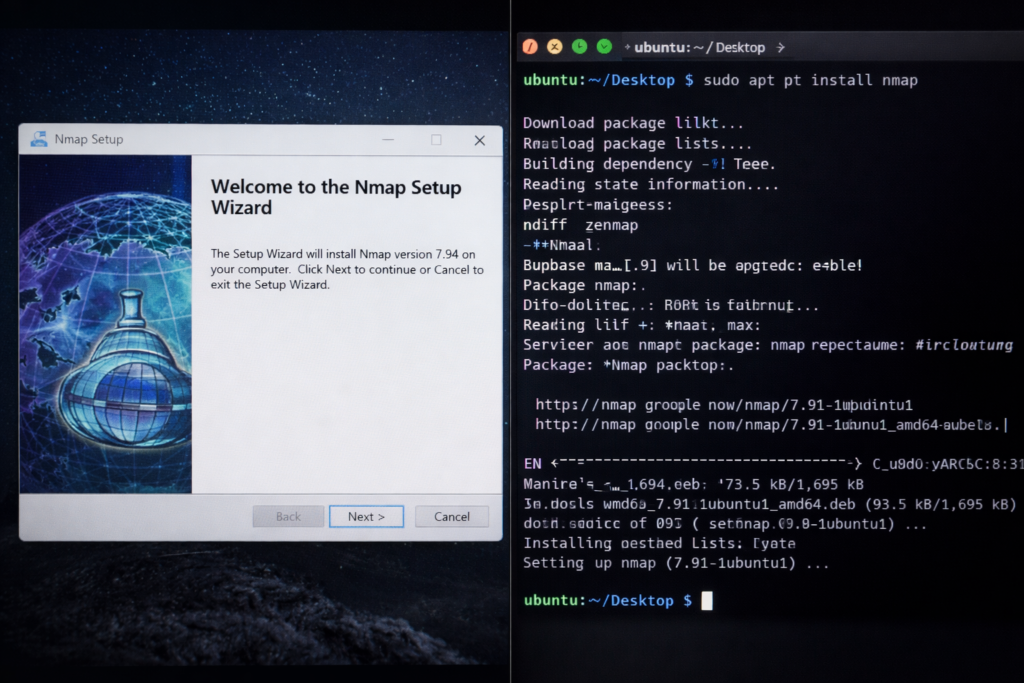
Windows Installation
- Download Nmap from the official website
- Run the installer
- Follow setup instructions
- Launch Nmap / Zenmap
Linux Installation (Ubuntu/Debian)
sudo apt updatesudo apt install nmap
Verify installation:
nmap –version
Basic Nmap Commands
Basic scan of a target: nmap 192.168.1.1
SYN (stealth) scan: nmap -sS target
Scan specific ports: nmap -p 80,443 target
Aggressive scan (OS + services): nmap -A target
Detect operating system: nmap -O target
Types of Nmap Scans
- TCP Connect Scan – Full connection scan
- SYN Scan – Faster and stealthy
- UDP Scan – Detect UDP services
- Ping Scan – Check if host is alive
👉 Each scan type serves a different purpose in network analysis.
Advanced Enumeration (Core Concept)
Enumeration is the process of extracting detailed information about a target.
- Service version detection: nmap -sV target
- OS detection: nmap -O target
- Aggressive scan: nmap -A target
- Run vulnerability scripts: nmap –script vuln target
- Default scripts + service detection: nmap -sV -sC target
Real-World Use Cases of Nmap
Network Auditing
Identify devices and open ports
Cybersecurity Testing
Detect vulnerabilities and misconfigurations
Ethical Hacking
Gather information before exploitation
Learning Networking
Understand real-world network behavior
How Attackers Use Nmap
Attackers use Nmap for reconnaissance:
- Find open ports
- Identify services
- Detect OS versions
- Discover vulnerabilities
👉 Example
- Scan target IP
- Identify open ports
- Detect services
- Plan attack
👉 This is why network visibility is critical.
Limitations of Nmap
- Can be detected by firewalls
- Requires technical knowledge
- Some scans are slow
- Blocked by IDS/IPS systems
👉 It is a scanning tool, not an exploitation tool.
Best Practices for Using Nmap
- Always scan with permission
- Avoid aggressive scans on production systems
- Use targeted scans
- Combine with other security tools
Why Nmap is Important in 2026
With increasing cyber threats:
- Attackers rely on reconnaissance
- Networks are becoming complex
- Vulnerabilities are increasing
Nmap provides deep visibility into network infrastructure.
Final Thoughts (Cybersecurity Perspective)
Nmap is not just a tool — it’s a foundation of ethical hacking.
It helps you:
- Discover networks
- Identify vulnerabilities
- Understand systems
In cybersecurity, reconnaissance is the first step of every attack.
Most attacks happen not because systems are weak —
but because they are not monitored properly.
Nmap helps you stay one step ahead.
FAQs
What is Nmap in simple terms?
Yes, when used on authorized systems.
Yes, both ethical hackers and attackers use it.
Basic usage is easy, but advanced scanning requires practice.
Want to start your Cybersecurity journey with practical training and internship exposure?
Connect with TriosCyber today.